> For the complete documentation index, see [llms.txt](https://beyond-robotix.gitbook.io/docs/llms.txt). Markdown versions of documentation pages are available by appending `.md` to page URLs; this page is available as [Markdown](https://beyond-robotix.gitbook.io/docs/beyond-robotix-documentation.md).
# Beyond Robotix Documentation
Documentation for [Beyond Robotix](https://www.beyondrobotix.com/) hardware and firmware.
## Heated Pitot
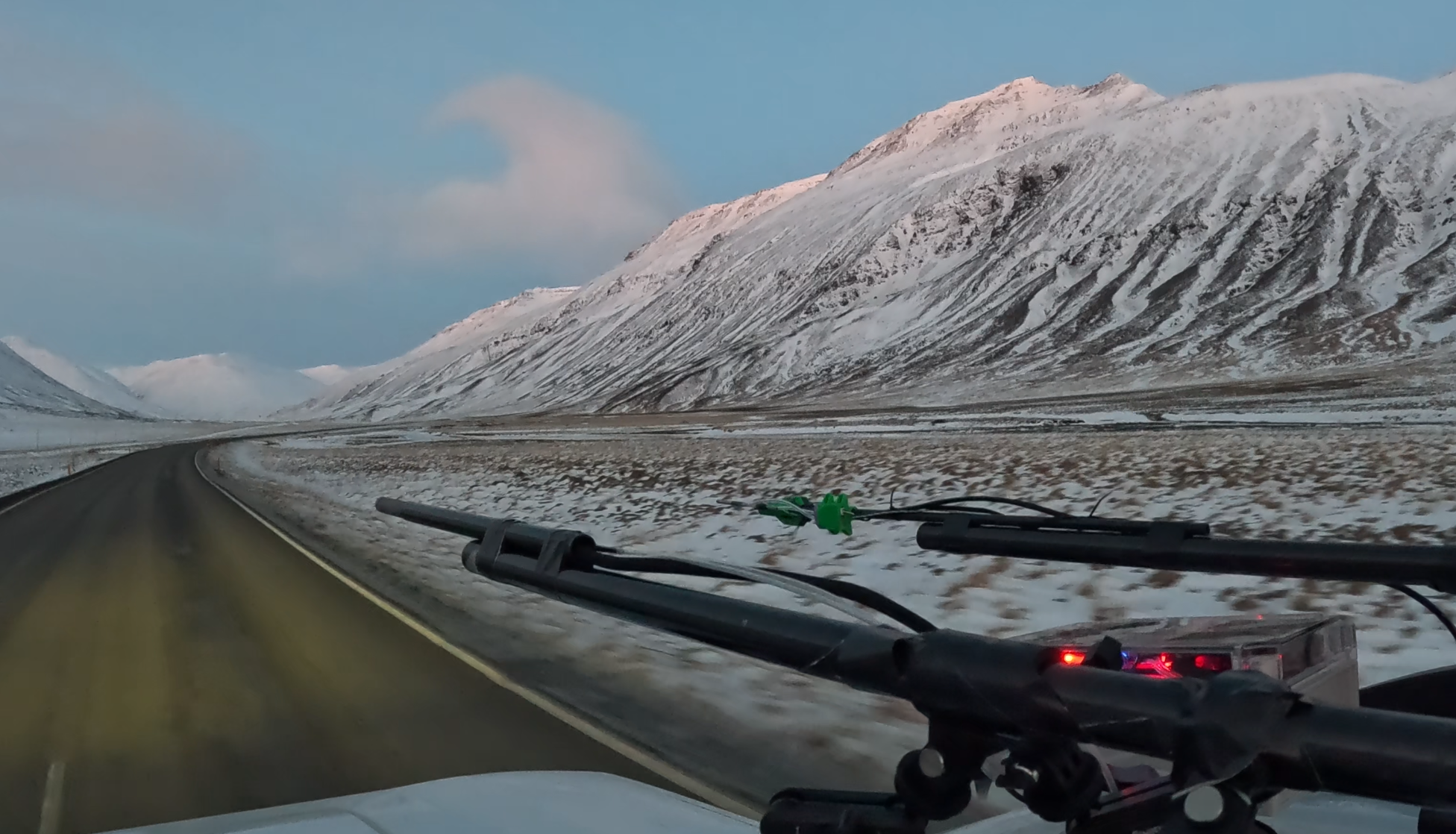 Keeps aircraft airspeed readings accurate through extreme icing and wet conditions, with DroneCAN control and precise heater power management.
* [Heated Pitot](/docs/heated-pitot.md)
## Kahuna
Keeps aircraft airspeed readings accurate through extreme icing and wet conditions, with DroneCAN control and precise heater power management.
* [Heated Pitot](/docs/heated-pitot.md)
## Kahuna
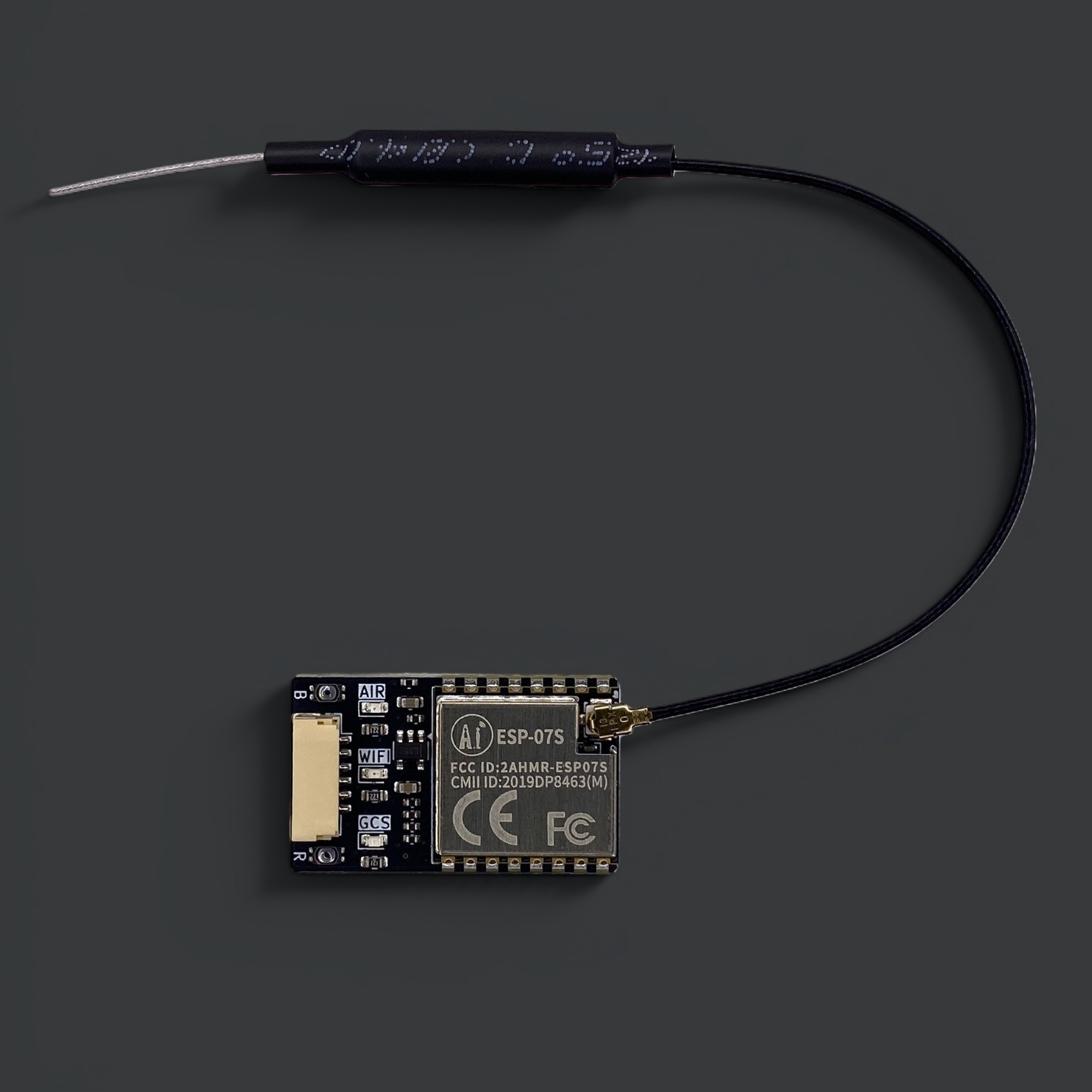 A Wi-Fi telemetry unit for the Pixhawk ecosystem. Connect from any laptop or tablet with Mission Planner or QGroundControl, with multi-drone support and long range up to 2.5km.
* [Kahuna](/docs/kahuna.md)
* [Quick Start Guide](/docs/kahuna/quick-start-guide.md)
## CAN Ecosystem
A Wi-Fi telemetry unit for the Pixhawk ecosystem. Connect from any laptop or tablet with Mission Planner or QGroundControl, with multi-drone support and long range up to 2.5km.
* [Kahuna](/docs/kahuna.md)
* [Quick Start Guide](/docs/kahuna/quick-start-guide.md)
## CAN Ecosystem
 Hardware and firmware for building custom DroneCAN peripherals, from ready-made nodes to Arduino-based custom firmware.
* [CAN Ecosystem overview](/docs/can-ecosystem.md)
* [Micro Node](/docs/can-ecosystem/micro-node.md) — a compact CAN node that mounts to a custom carrier board
* [Node Development Board V1.1](/docs/can-ecosystem/node-development-board-v1.1.md) — breaks out every Micro Node interface for development
* [CAN Node](/docs/can-ecosystem/l431-can-node.md) — the same STM32L431 as the Micro Node, in a standalone form factor
* [CAN Node Plus](/docs/can-ecosystem/can-node-plus.md) — dual CAN FD interfaces and an STM32H723 for more demanding applications
* [Arduino DroneCAN](/docs/can-ecosystem/arduino-dronecan.md) — build custom firmware for any of our nodes with a familiar Arduino sketch
* [AP Periph](/docs/can-ecosystem/ap-periph.md) — the ready-made ArduPilot peripheral firmware our nodes ship with by default
## Air Data Module
Hardware and firmware for building custom DroneCAN peripherals, from ready-made nodes to Arduino-based custom firmware.
* [CAN Ecosystem overview](/docs/can-ecosystem.md)
* [Micro Node](/docs/can-ecosystem/micro-node.md) — a compact CAN node that mounts to a custom carrier board
* [Node Development Board V1.1](/docs/can-ecosystem/node-development-board-v1.1.md) — breaks out every Micro Node interface for development
* [CAN Node](/docs/can-ecosystem/l431-can-node.md) — the same STM32L431 as the Micro Node, in a standalone form factor
* [CAN Node Plus](/docs/can-ecosystem/can-node-plus.md) — dual CAN FD interfaces and an STM32H723 for more demanding applications
* [Arduino DroneCAN](/docs/can-ecosystem/arduino-dronecan.md) — build custom firmware for any of our nodes with a familiar Arduino sketch
* [AP Periph](/docs/can-ecosystem/ap-periph.md) — the ready-made ArduPilot peripheral firmware our nodes ship with by default
## Air Data Module
 A DroneCAN airspeed and altitude sensor built around the AllSensors AUAV pressure sensor, supporting a range of autopilots.
* [Air Data Module](/docs/air-data-module.md)
* [Quick Start Guide](/docs/air-data-module/quick-start-guide.md)
* [Air Data Module Mini](/docs/air-data-module/air-data-module-mini.md) — a more compact, reliable redesign of the original module
* [Air Data Module Original](/docs/air-data-module/air-data-moulde-original.md) — the original two-layer design, mounted on a Micro Node
## RM3100 DroneCAN Compass
A DroneCAN airspeed and altitude sensor built around the AllSensors AUAV pressure sensor, supporting a range of autopilots.
* [Air Data Module](/docs/air-data-module.md)
* [Quick Start Guide](/docs/air-data-module/quick-start-guide.md)
* [Air Data Module Mini](/docs/air-data-module/air-data-module-mini.md) — a more compact, reliable redesign of the original module
* [Air Data Module Original](/docs/air-data-module/air-data-moulde-original.md) — the original two-layer design, mounted on a Micro Node
## RM3100 DroneCAN Compass
 A plug-and-play DroneCAN magnetometer node built around the PNI RM3100 sensor, with the standard Pixhawk JST-GH connector.
* [RM3100 DroneCAN Compass](/docs/rm3100-dronecan-compass.md)
## Core Autopilot
A plug-and-play DroneCAN magnetometer node built around the PNI RM3100 sensor, with the standard Pixhawk JST-GH connector.
* [RM3100 DroneCAN Compass](/docs/rm3100-dronecan-compass.md)
## Core Autopilot
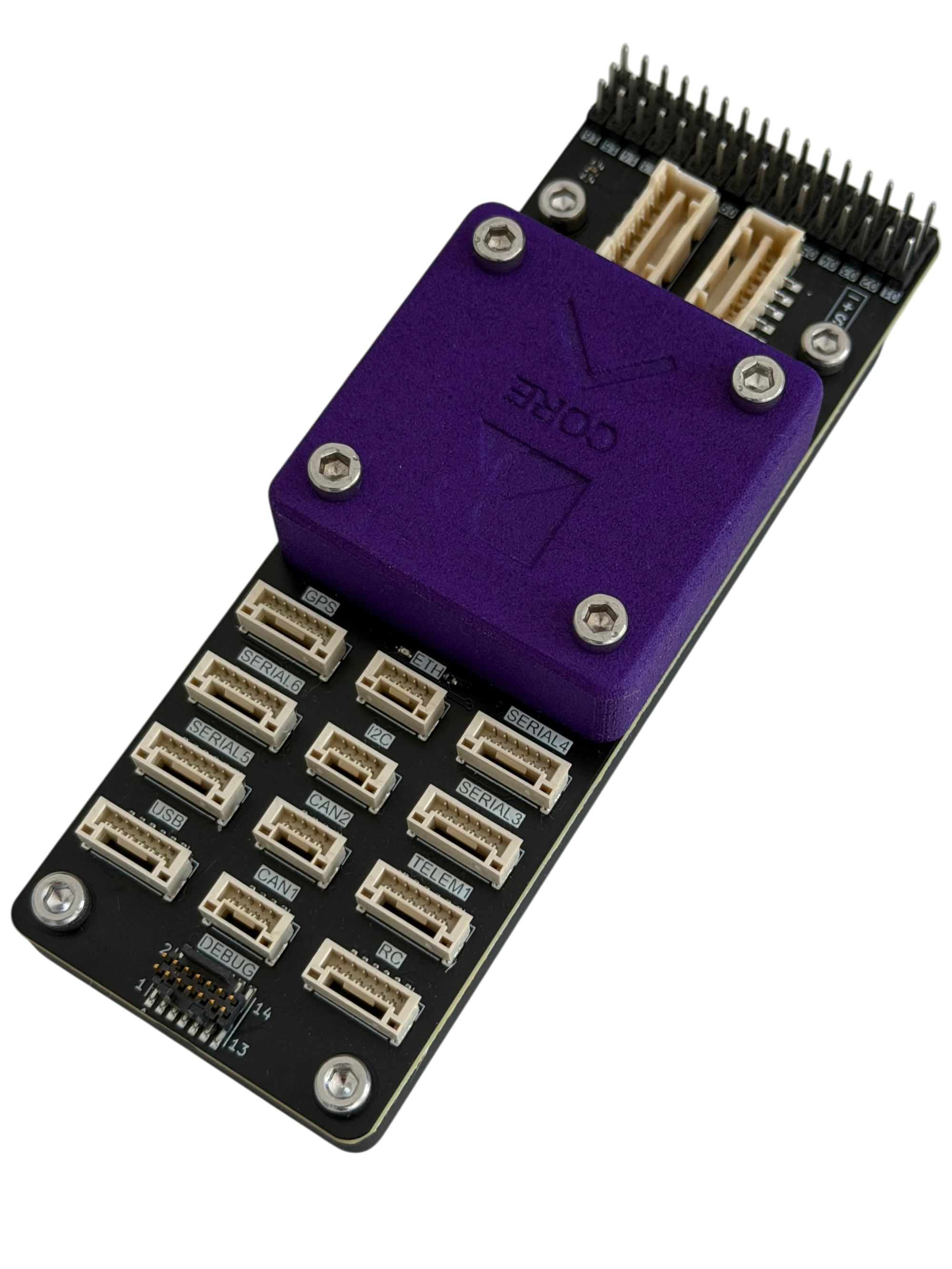 An ArduPilot and PX4 compatible autopilot with 16 PWMs, Ethernet, 7 serials, 2 CAN and I2C, built around a modular Core plus carrier board design.
* [Core Autopilot](/docs/core-autopilot.md)
* [Core Pinout](/docs/core-autopilot/core-pinout.md) — integrate the Core into your own carrier board
* [Default Carrier](/docs/core-autopilot/default-carrier-pinout.md) — pinout and mechanical for our reference carrier
* [Core Power](/docs/core-autopilot/core-power.md)
## Reference
* [Engineering Change Notice](/docs/engineering-change-notice.md) — hardware changes to our products (see GitHub releases for software changes)
An ArduPilot and PX4 compatible autopilot with 16 PWMs, Ethernet, 7 serials, 2 CAN and I2C, built around a modular Core plus carrier board design.
* [Core Autopilot](/docs/core-autopilot.md)
* [Core Pinout](/docs/core-autopilot/core-pinout.md) — integrate the Core into your own carrier board
* [Default Carrier](/docs/core-autopilot/default-carrier-pinout.md) — pinout and mechanical for our reference carrier
* [Core Power](/docs/core-autopilot/core-power.md)
## Reference
* [Engineering Change Notice](/docs/engineering-change-notice.md) — hardware changes to our products (see GitHub releases for software changes)